Process Automation
aibizmod delivery
Strategy, implementation, launch, and support with one connected technical team.
What This Service Solves
Identifying the hurdles
Operations teams often waste hours each week on tasks a computer could handle. Data gets copied between tabs by hand, approvals wait in inboxes waiting for someone to check them, and reports get pulled by hand every Monday morning. Every handoff introduces delays and easy mistakes that compound over time.
- Copying data between systems multiple times a day
- Delayed approvals because requests sit in inboxes
- Building reports by hand from spreadsheets
- No logs to trace when manual steps fail
Our approach & solution
We map out your steps, identify where the friction and errors are, then build automations that connect your tools directly. Workflows are documented with runbooks and built with error handling so your team can monitor them and know exactly what to do if something stops.
- Workflows that connect CRMs, databases, and SaaS platforms
- Routing approvals via Slack buttons or email forms
- Sending reports straight directly to inboxes
- Built-in error alerts with Slack or email notification alerts
What This Service Includes
Engineered capabilities and modular architectures designed to scale your operations with end-to-end reliability.
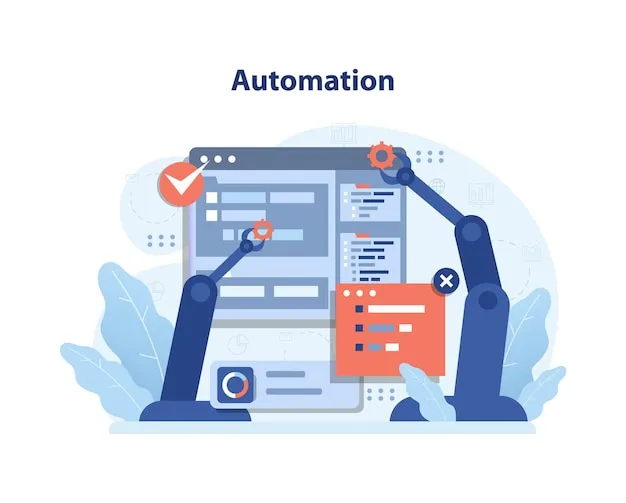
Workflow Automation
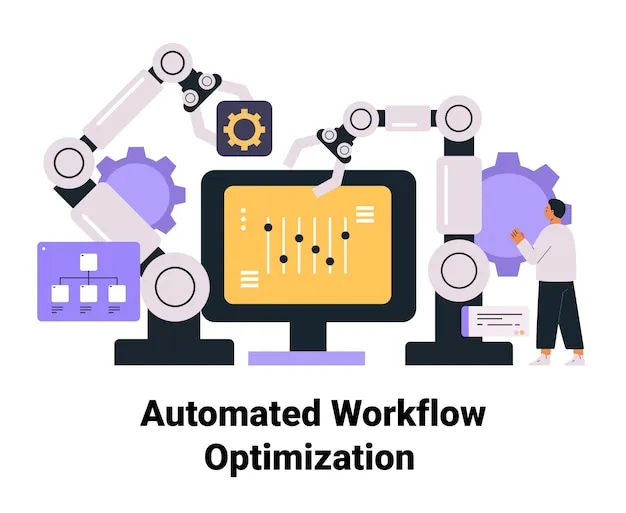
Design and build multi-step automated pipelines triggered by events across your tools, from form submissions and database writes to scheduled time intervals.
API and Webhook Integration
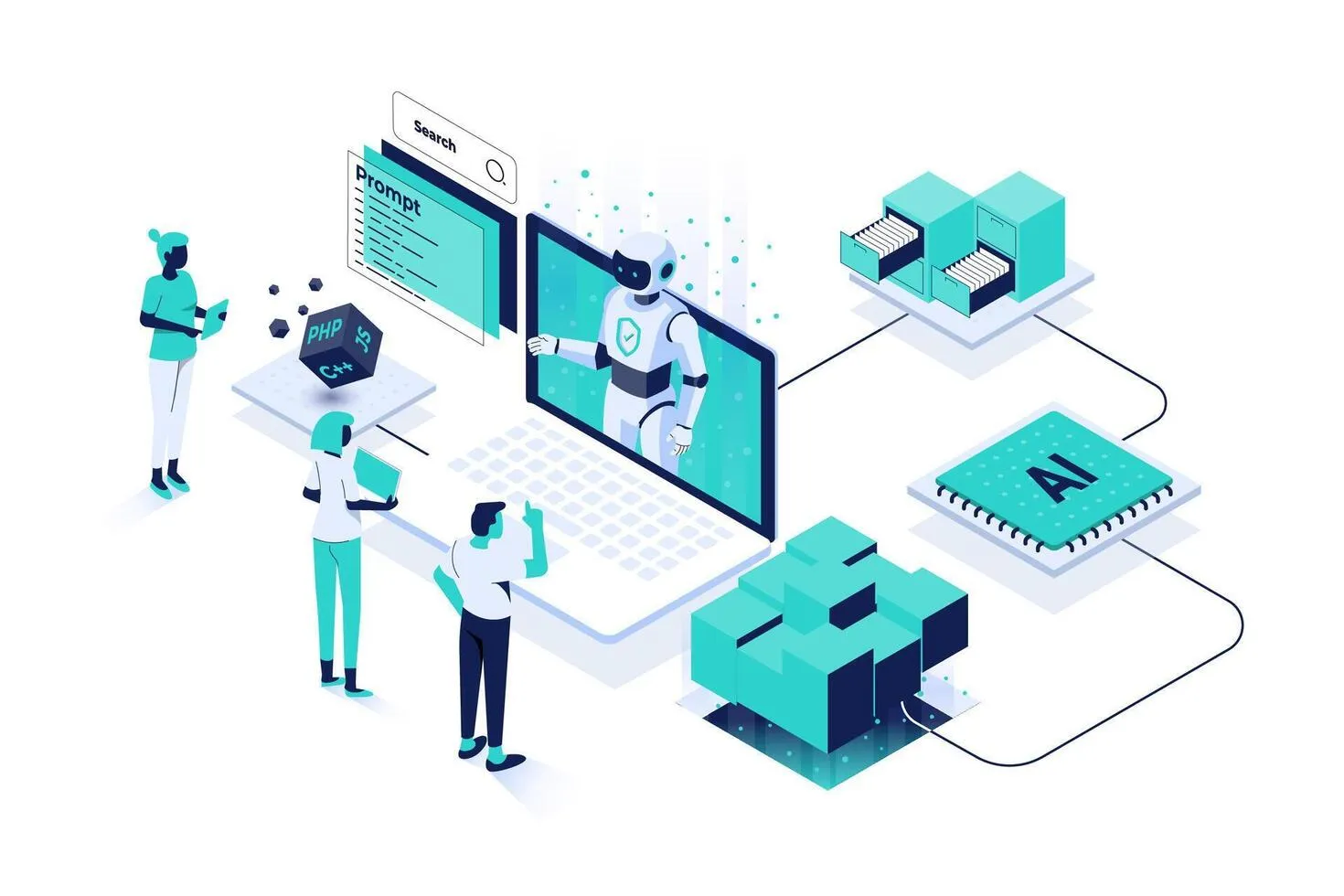
Connect SaaS tools, internal databases, and external services using REST APIs and webhooks, removing the need for manual exports and imports between systems.
Document and Invoice Processing
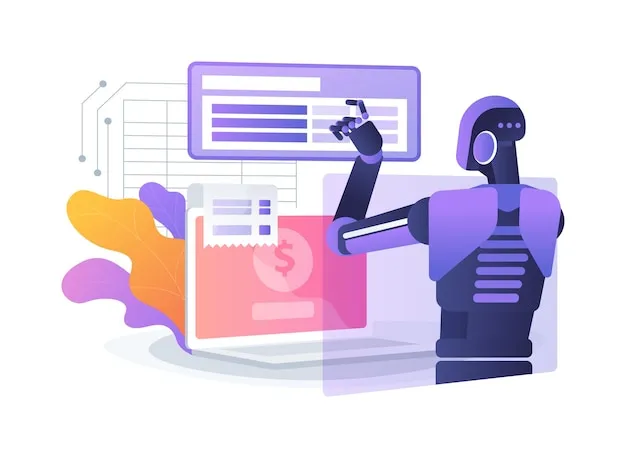
Parse incoming emails and attachments to extract fields, route documents, and write records into your accounting or ERP system without manual handling.
Scheduled Reporting
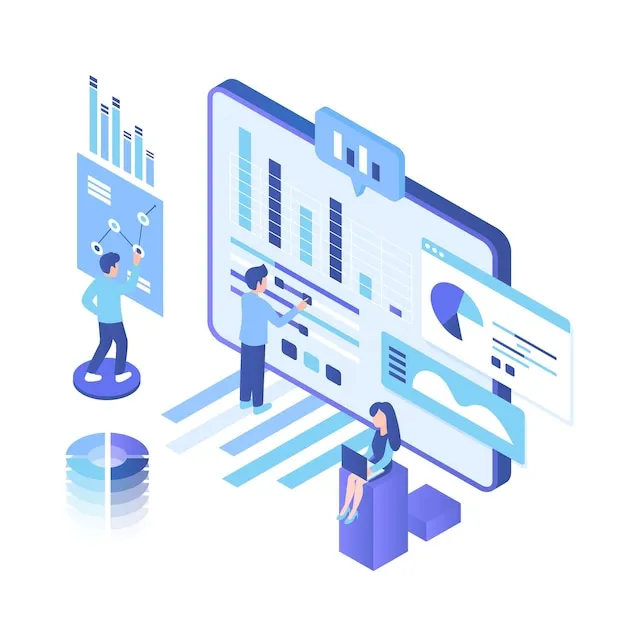
Query databases on a schedule, format results, and deliver reports by email or Slack to the right people automatically on whatever cadence the business needs.
Approval Workflow Routing
Route approval requests to the right person based on configurable rules, with Slack button or email form responses that update records directly without manual data entry.
Error Handling and Retry Logic
Every automation includes fallback handling, retry attempts, and notification alerts so your team knows immediately when something needs attention.
How Businesses Use This
Real-world applications across industries — drag or click the cards to explore.


Invoice Routing from Email to Accounting
Parse incoming supplier invoices, extract vendor details and amounts, and write the data into Xero or QuickBooks before routing for approval via the relevant manager.
Business Outcomes You Can Expect
Documented and Maintainable
Every automation comes with a runbook so your internal team can understand, update, and extend the logic without needing to call us back.
Full Audit Trail
Every workflow execution is logged, so you can trace exactly what happened, when, and with what input data if something goes wrong.
24/7 Operation
Automations run outside business hours, so time-sensitive processes like order confirmations and alert routing happen immediately without waiting for someone to log in.
Consistent Process Execution
Automated workflows apply the same logic every time, regardless of who is working, what day it is, or how busy the team is.
Staff Time Redirected
Hours spent on copy-paste tasks get redirected to higher-value work once the underlying processes run without staff attention.
Fewer Manual Errors
Removing human data entry from repetitive tasks eliminates transcription mistakes and duplicate records that accumulate over time and require correction.
Questions Before We Start
A Few Things Clients Usually Ask
Find answers to common questions about Process Automation solutions, setup procedures, scoping timelines, and deliverables.
How long does it take to automate a typical business workflow?
Simple automations connecting two or three tools typically take one to two weeks from scoping to handover. Multi-step workflows involving data transformation, conditional routing, and error handling usually take three to five weeks depending on the number of integration points and API complexity.
What happens when one of our connected tools updates their API?
We build automations with version-pinned API connections where possible and document all integration dependencies. If a connected tool changes and breaks the automation, your runbook will include the steps to identify and update the affected connector. We also offer a support retainer to handle breaking changes on your behalf.
Do we need technical staff to maintain the automations after handover?
No. We deliver documented runbooks written for non-technical staff that explain what each automation does, what triggers it, and how to restart it if it stops. Platforms like n8n have visual interfaces your operations team can navigate without writing code.
Can you automate processes that involve legacy software without an API?
Yes. For legacy software that has no API, we build browser automation scripts using tools like Playwright or Puppeteer that navigate the UI, fill in fields, and submit forms exactly as a human operator would.